Workflow Management: Plan, Execute, and Automate Product Workflows
Define the steps, assign responsibility, and see what needs to happen next. Nora IPLM connects approvals and workflow execution to the product data your team works on.
A shared view of the work.
A clear next step.
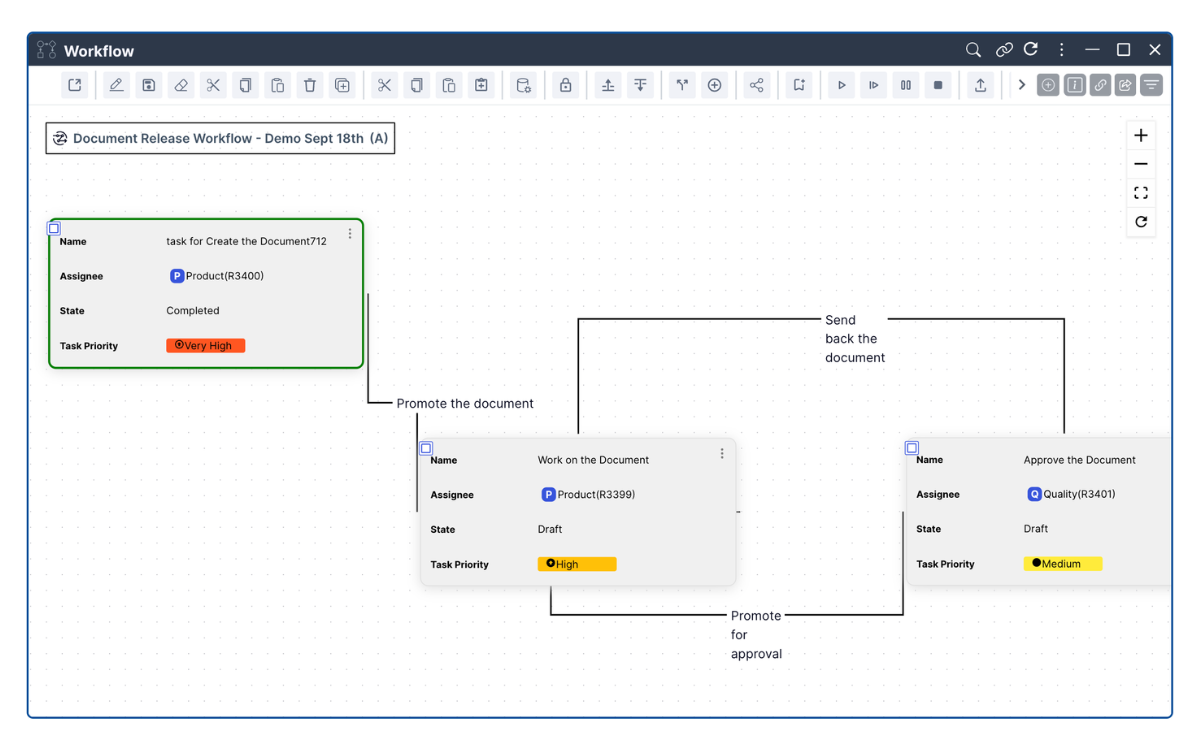
Approvals become harder to follow when the process is separate from the product record. In Nora IPLM, teams can see workflow states, transitions, and tasks together.
 Enlarge workflow workspace ↗
Make the process repeatable
Build templates with lifecycle states, task assignments, and conditional paths.
Keep ownership visible
Assign tasks to users or groups and collect comments before completion.
See where work stands
Follow task status and workflow history to understand progress and review changes.
From definition to execution, give every release a defined path.
Use a template to start a document release workflow. Link the relevant objects, route tasks to reviewers, and use defined transitions to move work through its lifecycle.
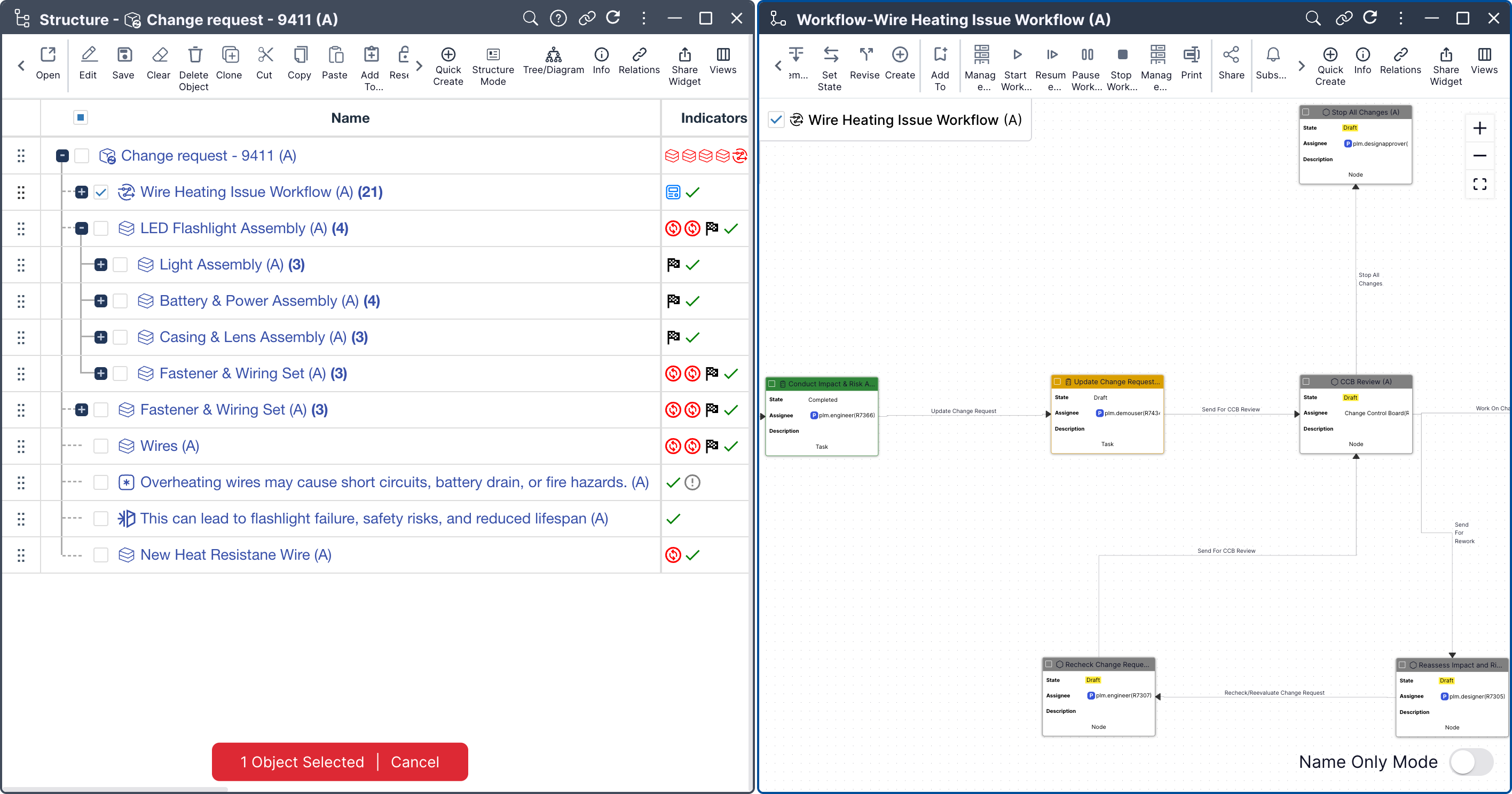
Apply the same approach to BOMs and engineering changes, with workflow decisions kept alongside the product record.
Explore the workflow module ↗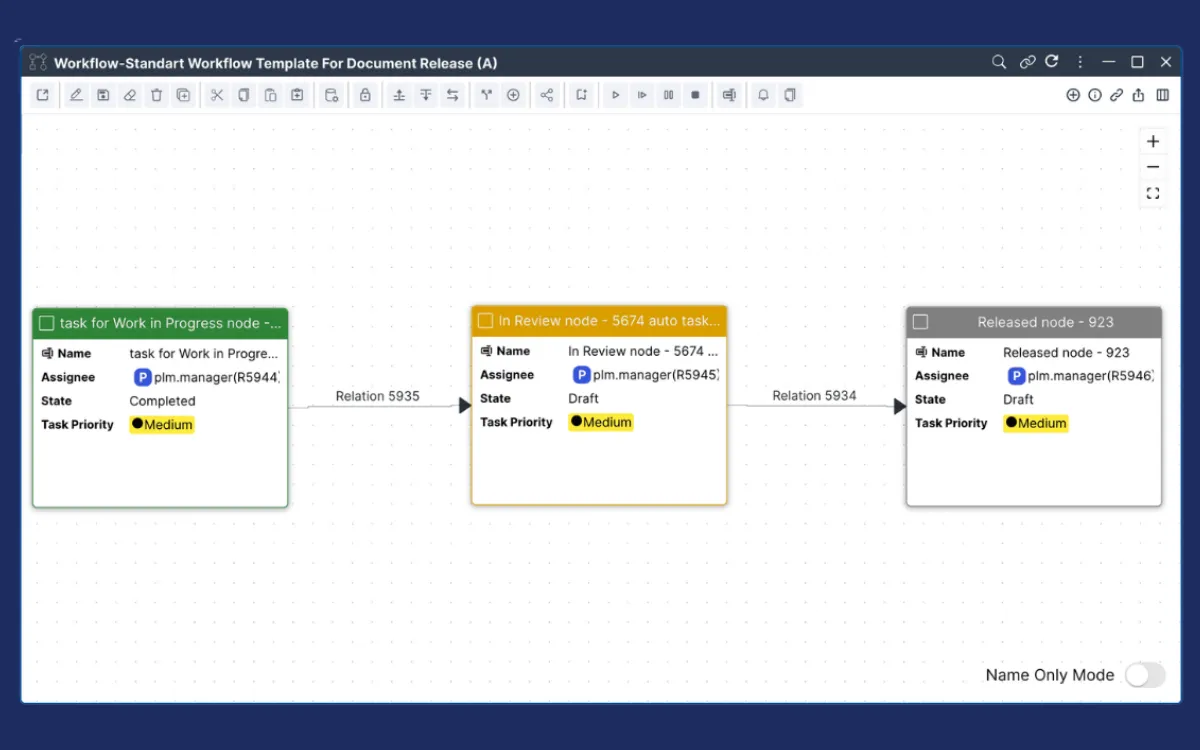 Enlarge document release view ↗
Control the details.
Keep the process readable.
Explore the tools for defining, running, and reviewing workflows in a connected PLM environment.
Create, clone, revise, and modify flexible workflow templates while keeping linked objects and lifecycle states under control, alongside the broader set of platform features.
Build a repeatable path for product work.
 Enlarge product view ↗
Explore template capabilities
Create Customizable Workflow Templates
Standardize processes with flexible templates.
Clone Workflow Templates
Duplicate existing templates for similar processes.
Revise Workflow Templates
Adapt templates as business needs evolve.
Link Objects to Workflow Templates
Simplify release management through connected product objects.
Manage Lifecycle States
Define custom states for workflows and templates.
Modify Workflows After Initiation
Adjust steps and settings after launch.
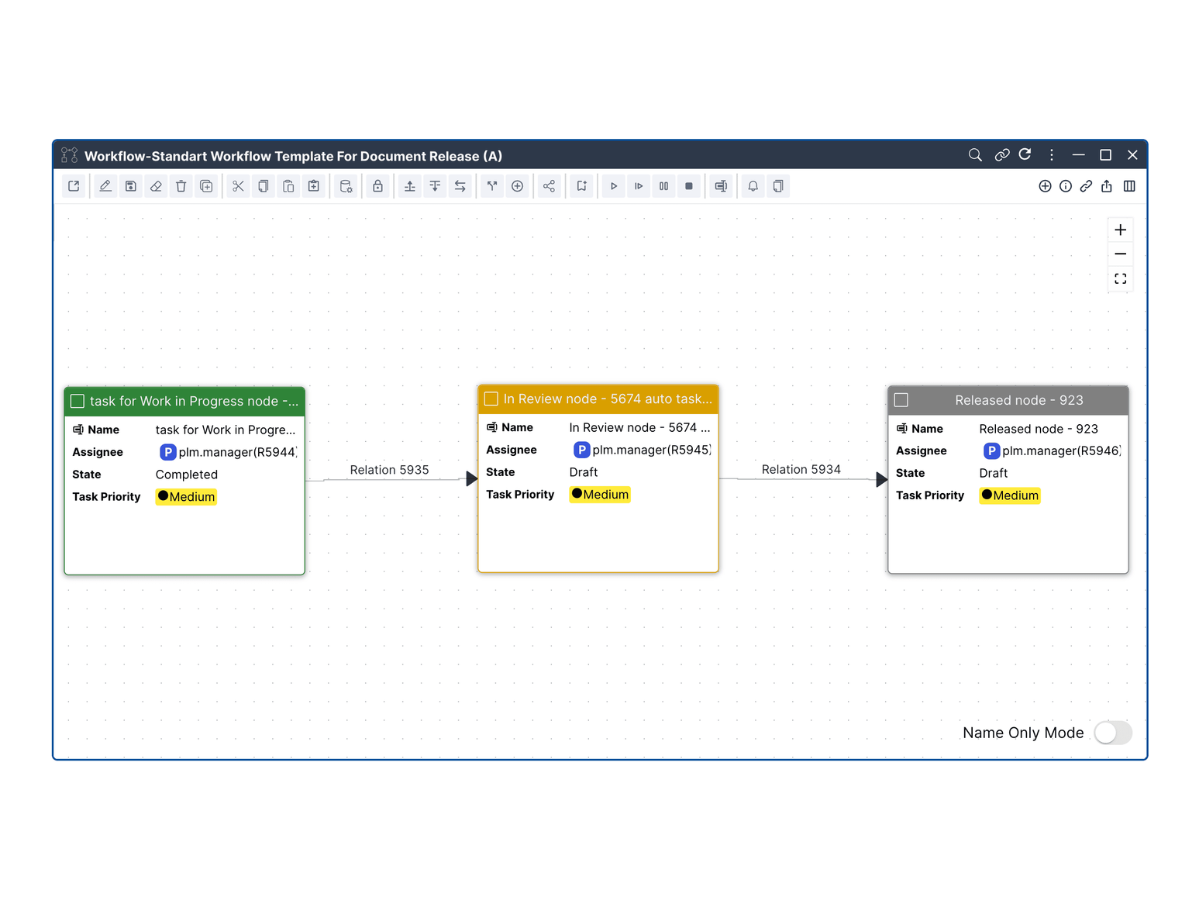
Define, organize, and automate every step with custom task types, assignments, dependencies, rules, permissions, and triggers.
Give every task a clear owner.
 Enlarge product view ↗
Explore capabilities
Customizable Node and Task Cards
Customize information cards, forms, and tables.
Task Create and Finalize Actions
Define actions and methods for task completion.
Group Task Assignment
Assign responsibilities to users or groups.
Required Task Comments
Collect comments before task completion.
Embedded Task Management
Manage tasks directly through the workflow widget.
Custom Attributes
Add attributes to workflows, nodes, transitions, and tasks.
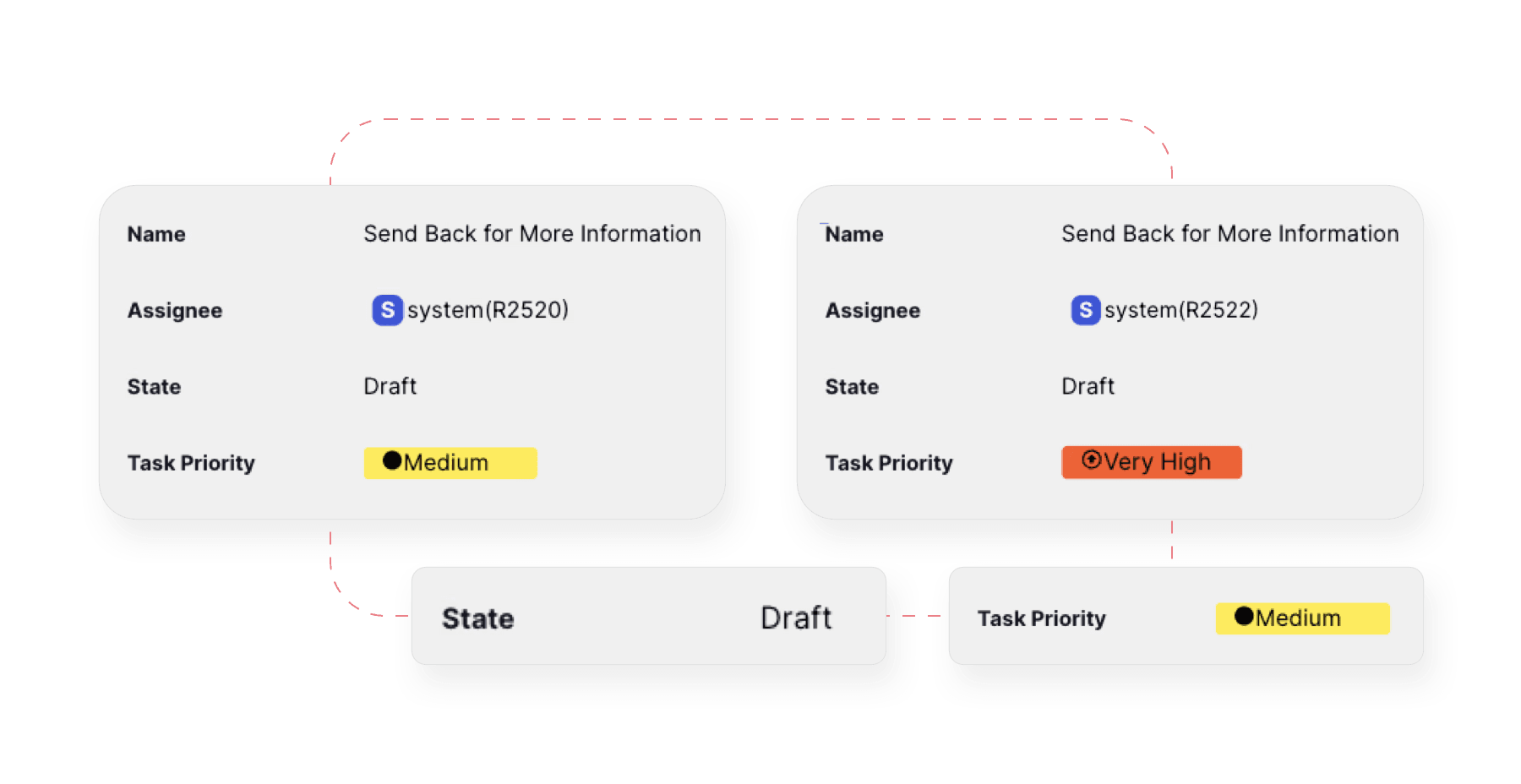
Automate routine actions, attribute updates, branch selection, loops, conditional paths, and process controls.
Let defined rules move work forward.
 Enlarge product view ↗
Explore capabilities
Automated Object Promotion and Demotion
Use workflow nodes to update linked object maturity.
Automatic Attribute Updates
Keep workflow and task information current.
Automated Branch Selection
Choose workflow paths based on defined conditions.
Conditional Workflow Paths
Handle different scenarios automatically, including rules tied to product configurations and variants.
Custom Workflow Rules
Trigger actions through business-specific logic.
Loops and Branches
Design flexible paths for complex process scenarios.
Initiate, pause, resume, stop, revise, and monitor workflows in real time with complete control and visibility.
See progress and control execution.
 Enlarge product view ↗
Explore capabilities
Initiate Workflows from Templates
Start controlled processes using predefined templates.
Pause, Resume, and Stop
Control execution as requirements change.
Real-Time Monitoring
Identify bottlenecks and maintain steady progress.
Visual Status Indicators
Understand workflow and task status at a glance.
Task Revision Control
Track task revisions through loops and changes.
Workflow Revision Control
Manage workflow versions with complete traceability.
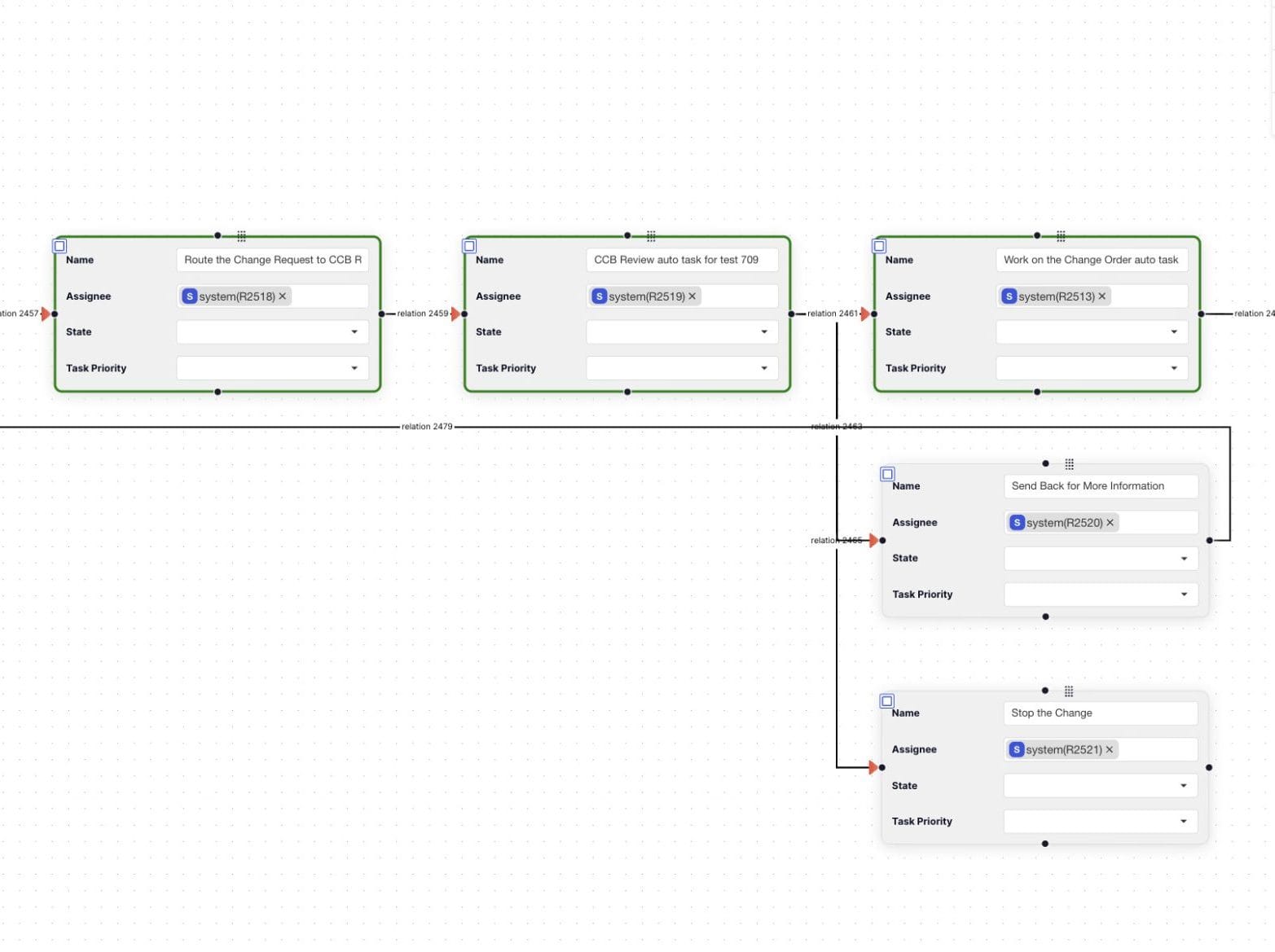
Visualize workflow structures with interactive designers, structured tables, timeline views, schedules, and roadmap summaries.
Plan the work and its dependencies.
Interactive Workflow Designer
Design workflows like process diagrams.
Structured Workflow Table
View workflows, nodes, and tasks in a structured table.
Workflow Planning and Scheduling
Align workflow activity with project timelines.
Workflow and Task Timeline
Visualize tasks and dependencies over time.
Workflow Roadmap Summaries
Track progress, milestones, and upcoming work.
Gain process insights through detailed logs, custom reports, complete history, and structured exports.
Trace the decisions behind every workflow.
Detailed Workflow History and Logs
Filter workflow activity and trace changes.
Custom Reports
Track objects and activities in real time.
Workflow and Task Export
Export structures, tasks, and linked objects to Excel.
Complete Audit Trails
Support compliance and internal review with traceable history.
Keep teams aligned with role-based access, real-time alerts, email notifications, and embedded approvals.
Keep the right people involved.
Integrated Notifications, Alerts and Emails
Notify participants based on workflow events.
Approval and Release Workflows
Ensure objects meet quality standards before release.
Role-Based Workflow Access
Control access based on user roles and responsibilities.
Activity Subscriptions
Keep stakeholders informed about workflow and task updates.
Workflow management,
explained.
What types of workflows can be created?
Nora IPLM supports item creation and release, BOM review and approval, document sign-off, engineering changes, and custom approval flows.
How can teams reuse and adapt a process?
Create a workflow template, clone it for a similar process, and revise it as requirements change. Configure task assignments, lifecycle states, and conditional paths to suit the work.
Can workflows be linked to items, BOMs, and documents?
Yes. Workflows connect directly to items, BOMs, documents, and change records so execution remains tied to the correct product data. Manufacturing teams can also use these workflows to support controlled MBOM management.
How does Nora IPLM handle approvals and notifications?
Clear task status, ownership, due dates, alerts, and approval steps help teams track progress, identify bottlenecks, and maintain accountability.
How can teams review workflow activity?
Use workflow history, logs, reports, and Excel exports to review tasks and linked objects. Explore Nora integrations for the wider engineering environment.
Put the process into practice
See your next workflow
in Nora IPLM.
Explore the sandbox, or start a trial to work with workflow templates, tasks, and connected product data.