Anchor Product Context Directly in 3D
Pin issues, documents, change requests, change orders, change tasks, ideas, requirements, lessons learned, and other related objects to exact locations in a 3D model so engineering and PLM teams can review faster, communicate more clearly, and reopen saved context in the right place.

Why It Matters
3D review often breaks down when the discussion lives somewhere else. A model is in one place, the issue is in another, and the supporting document is somewhere else again. Teams lose time explaining where to look, repeating context, and reopening the same questions.
Pin to 3D closes that gap. It lets teams connect linked context directly to a precise location on the model, save that visual reference, and return to it later without rebuilding the conversation from scratch.
Key Value Drivers of Smarter Model-Centric Collaboration
Turn model review into actionable context
Move beyond static screenshots and vague references. Pin to 3D connects a linked issue, document, change object, requirement, lesson learned, or other related object to an exact point on the model so the discussion stays tied to the product itself.
Reopen saved visual decisions
Saved pins remain attached to the linked context, making it easier to revisit previous reviews, reopen open items, and continue work without losing placement or meaning.
Find the right information faster
Tooltips and filters help teams narrow the visible set of pins and inspect key details without hunting through separate views.
Jump from the model to the owning object
From a visible pin, users can open the linked object in its default workspace view, helping teams move from visual review into the next step of work with less friction.
Powerful Features for Model-Based Review & Collaboration
Place and manage pins on the model
Select a linked context, load its 3D view, and place pins directly on the model. If there is only one linked context, the workflow can begin with less setup by loading directly into that view. Teams can add new pins, reposition them as the review evolves, rename them for clarity, and remove them when they are no longer needed.
Add the details that make a pin useful
Each pin can carry a label, a note, and an attachment so the model location is not just marked, but explained. This gives reviewers the visual reference and the supporting detail in one place.
Return to saved pins later
Pins are saved on the linked relation or context and can be reopened later when the same context is loaded again. Existing linked contexts can also show saved pin counts, making it easier to see where markup already exists.
Review pins without losing model context
Users can show or hide pins, display pin tooltips, and inspect pinned object details directly in the viewer. Tooltips surface the pin label, pinned object name, owning object identity, priority, note, and image attachment when available.
Filter the visual layer for faster review
When a model has multiple pins, teams can filter visible pins by linked object type, state, and priority. This helps reviewers focus on the subset that matters for the current discussion instead of scanning every marker in the scene.
Use priority as a visual signal
Pin color reflects resolved priority, giving teams a faster way to spot what may need attention first while staying inside the 3D view.
Simple Workflow, Powerful Outcomes
Where Pin-to-3D Creates Real Impact
Connect decisions, issues, documents, and follow-up actions directly to model geometry so teams can review faster, collaborate better, and stay aligned throughout the process.
Design Review
Mark the exact area under discussion in the model and tie it to the related issue, change request, change order, requirement, or document so reviewers are aligned on the same geometry from the start.
Issue Investigation
Connect an issue to the precise location it affects, then use tooltip details and filters to focus the review on the right set of open or high-priority items.
Document-Guided Validation
Link supporting documents to the relevant area of the model so teams can inspect the geometry and the reference material together instead of switching back and forth.
Follow-Up Reviews
Reopen an existing linked context and return to saved pins to continue a discussion, validate progress, revisit lessons learned, or confirm what changed since the last review.
Bring Review Context Back to the Model
Pin to 3D helps PLM teams connect issues, documents, change objects, requirements, lessons learned, and other related product context directly to the exact locations where work happens—enabling faster reviews, clearer handoffs, and less time spent reconstructing visual context.
Featured Modules & Widgets
Transforming Issue and Risk Management
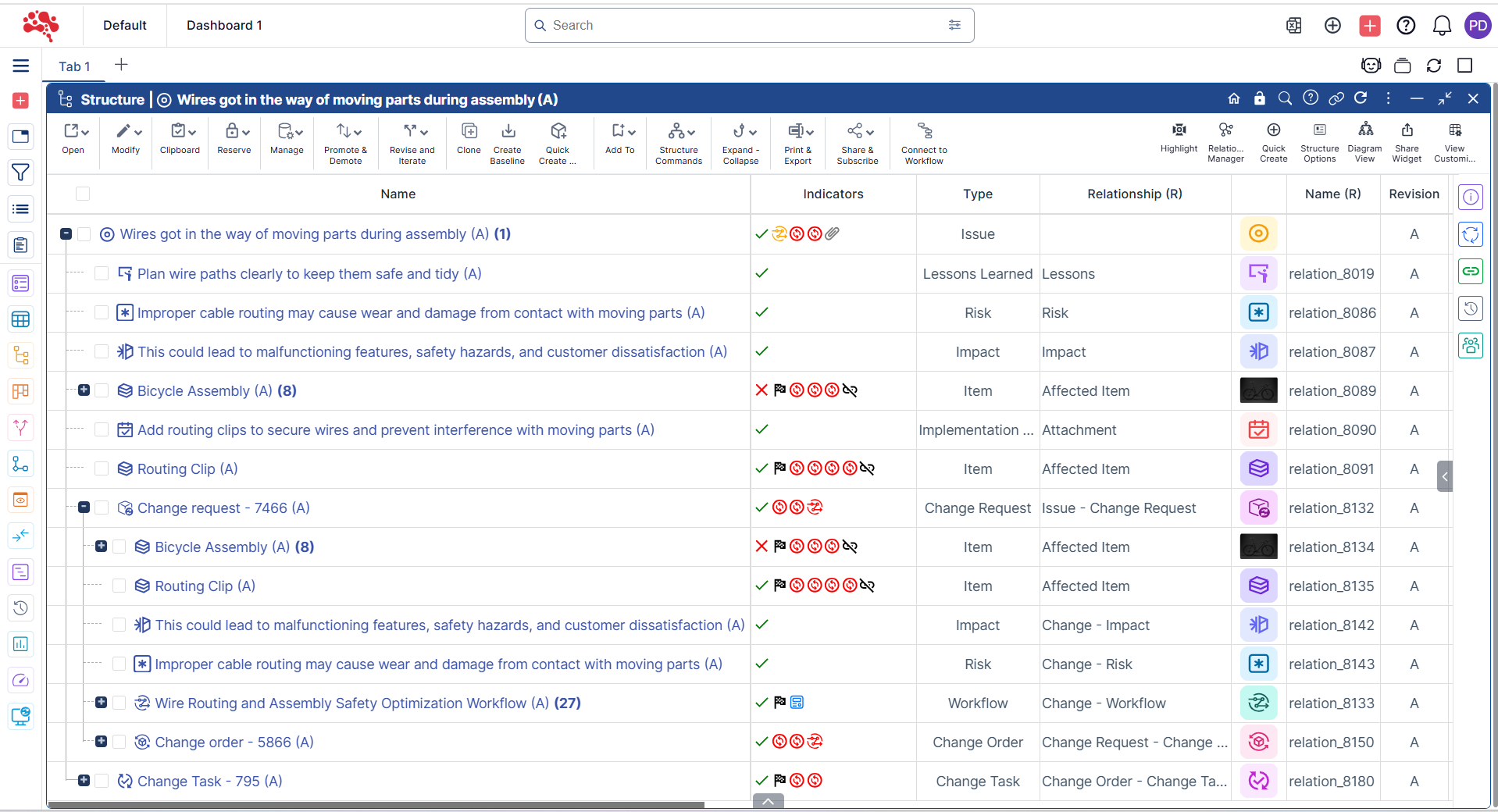
Boost your project success with streamlined issue and risk management in Nora IPLM.
Streamline Engineering Change Management
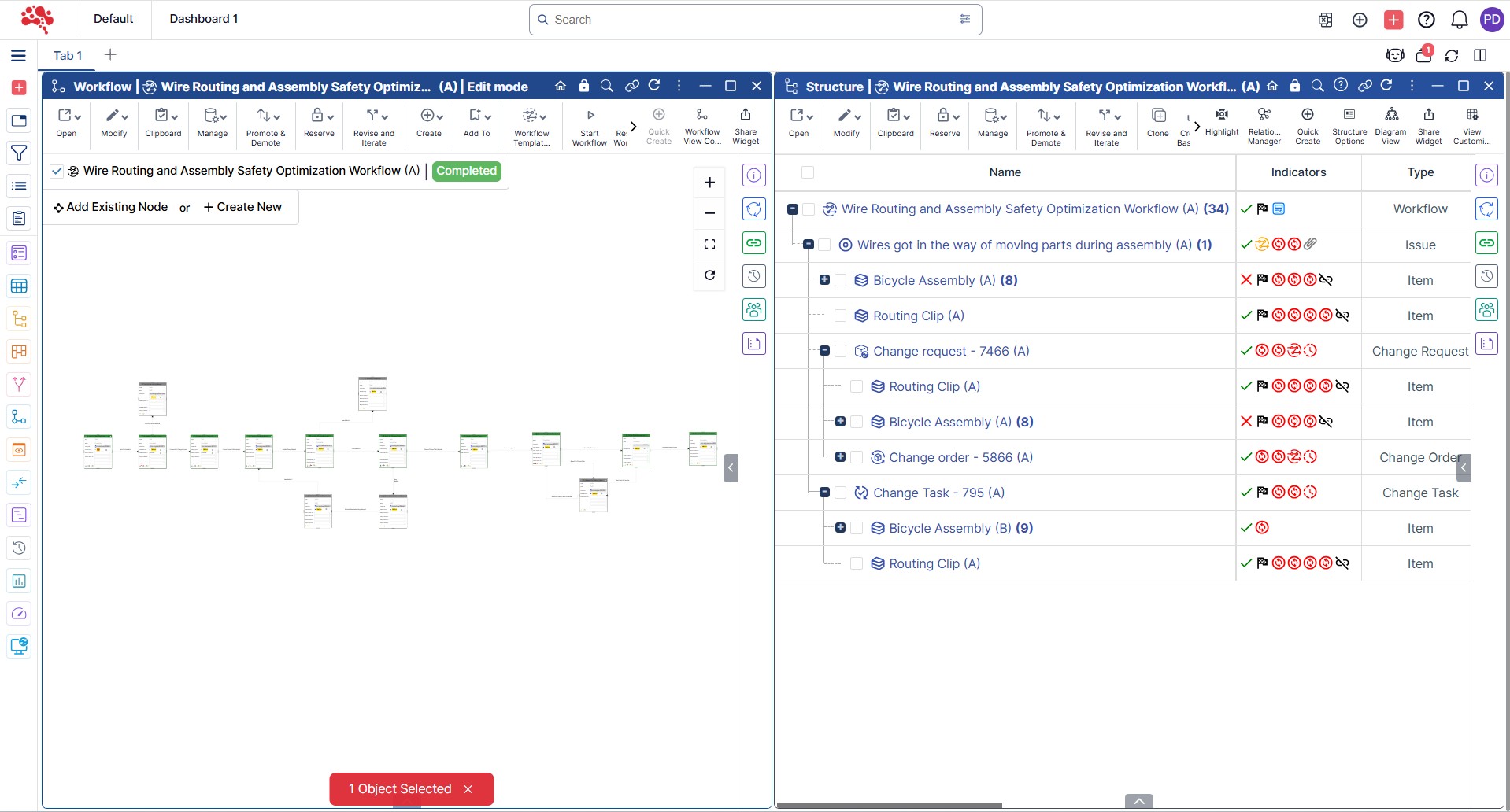
Connect engineering updates, document revisions, and approvals in one place to keep every change controlled, traceable, and aligned across the product lifecycle.
Product Lifecycle Management
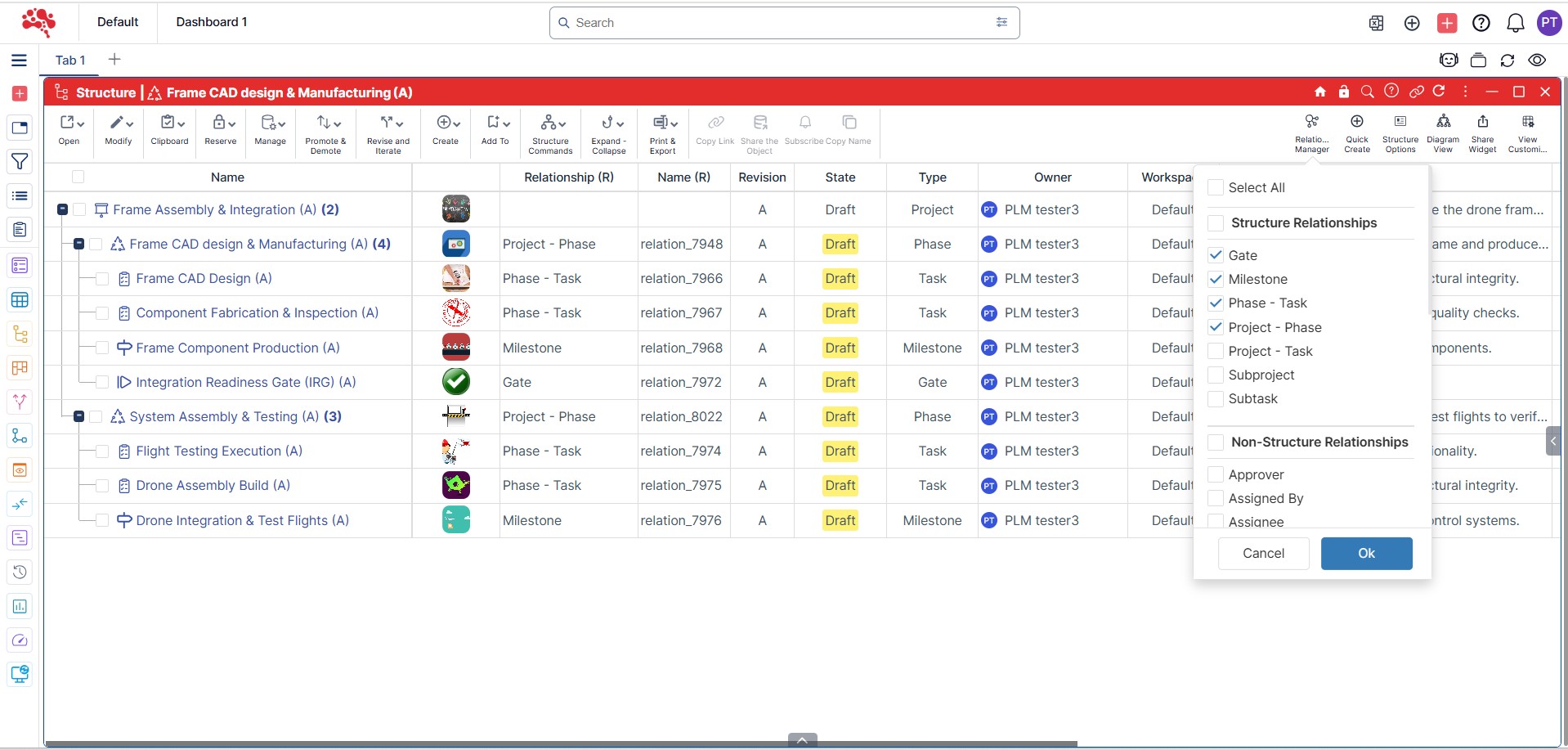
Efficiently manage, collaborate, and innovate across every stage of your product lifecycle.
Frequently Asked Questions
Pin to 3D is built around linked context. Users can work with linked issues, documents, change requests, change orders, change tasks, ideas, requirements, lessons learned, and other related objects that are connected to the current item and available in the 3D view workflow.
Yes. Pins are saved on the linked relation or context and can be reopened later when that context is loaded again.
Each pin can include a label, a note, and an attachment. When available, tooltip display can also surface linked object details such as identity and priority.
Yes. Visible pins can be filtered by linked object type, state, and priority to reduce visual noise and help teams focus on the current review.
Yes. A visible pin can open its owning linked object in the default widget, helping users move from model review into the related work item quickly.
No. Pin to 3D is for contextualizing work around the 3D model. It helps teams connect related product context to specific model locations for review and follow-up.