Workflow Summary Report
A complete view of workflow progress, steps, assigned tasks, content, attachments and all connected change objects in one structured report.

Workflow Summary Report
The Workflow Summary Report gives a top to bottom view of any workflow including identity, lifecycle, leader, active step, task progress, associated content, required attachments, workflow nodes and linked change objects.
Everything about how work moves through the workflow is captured in a single, structured view.
This report helps teams understand progress, responsibility and readiness without navigating multiple objects.

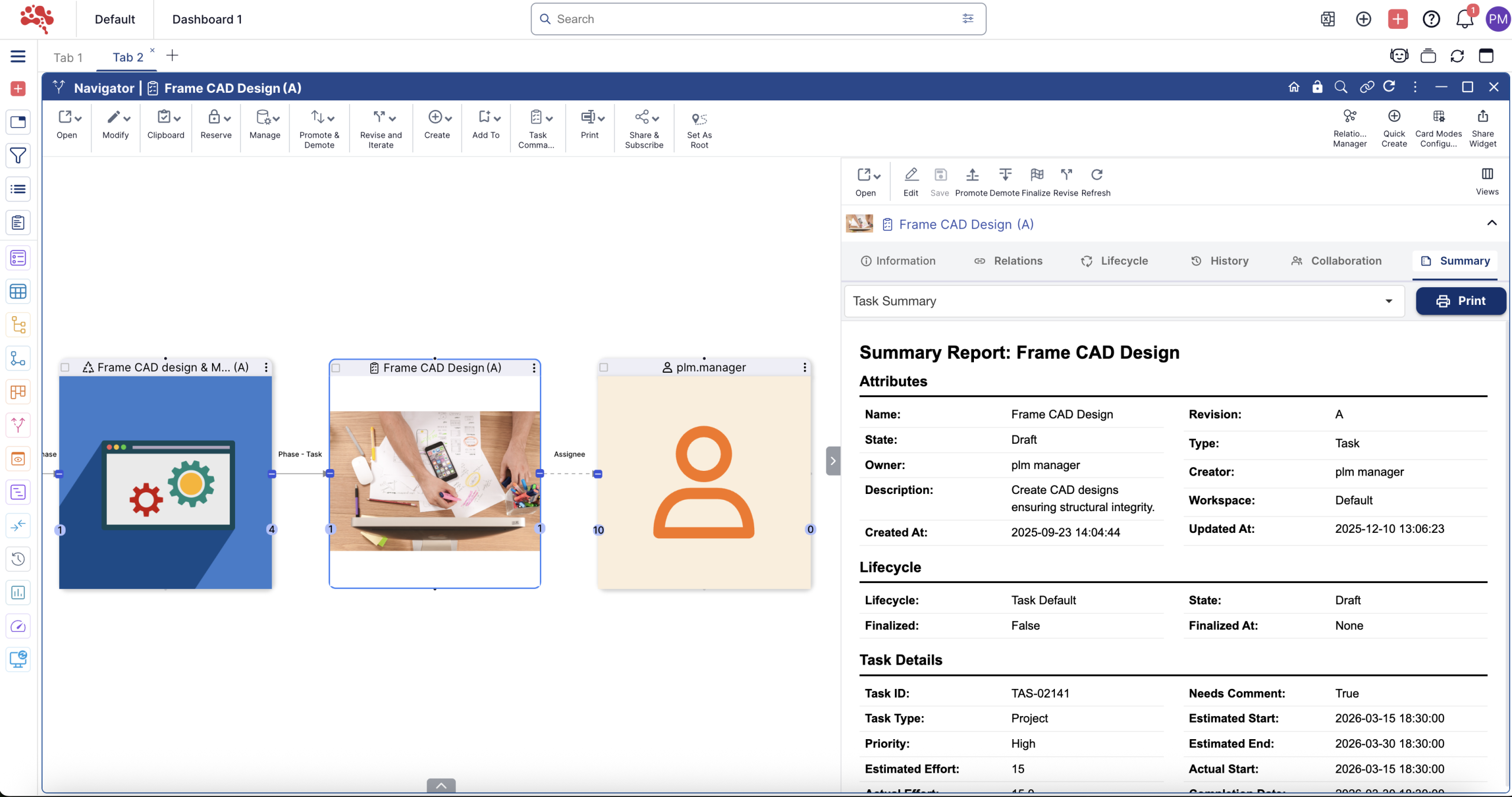
Everything About a Workflow, In One Place
The report begins with the core workflow profile: name, revision, state, owner, creator, timestamps and workspace. Workflow specific metadata including workflow ID, priority, summary, tags, checklist and origin are presented together for immediate understanding.
This provides a clear picture of why the workflow exists, how it is classified and who is leading it.
No scattered information. One authoritative workflow record.
Active Step and Execution Visibility
The active workflow step is automatically detected based on the state of workflow tasks.
Teams can immediately see where work currently sits, what has been completed and which step is next.
This enables faster decisions, clearer communication and fewer bottlenecks.

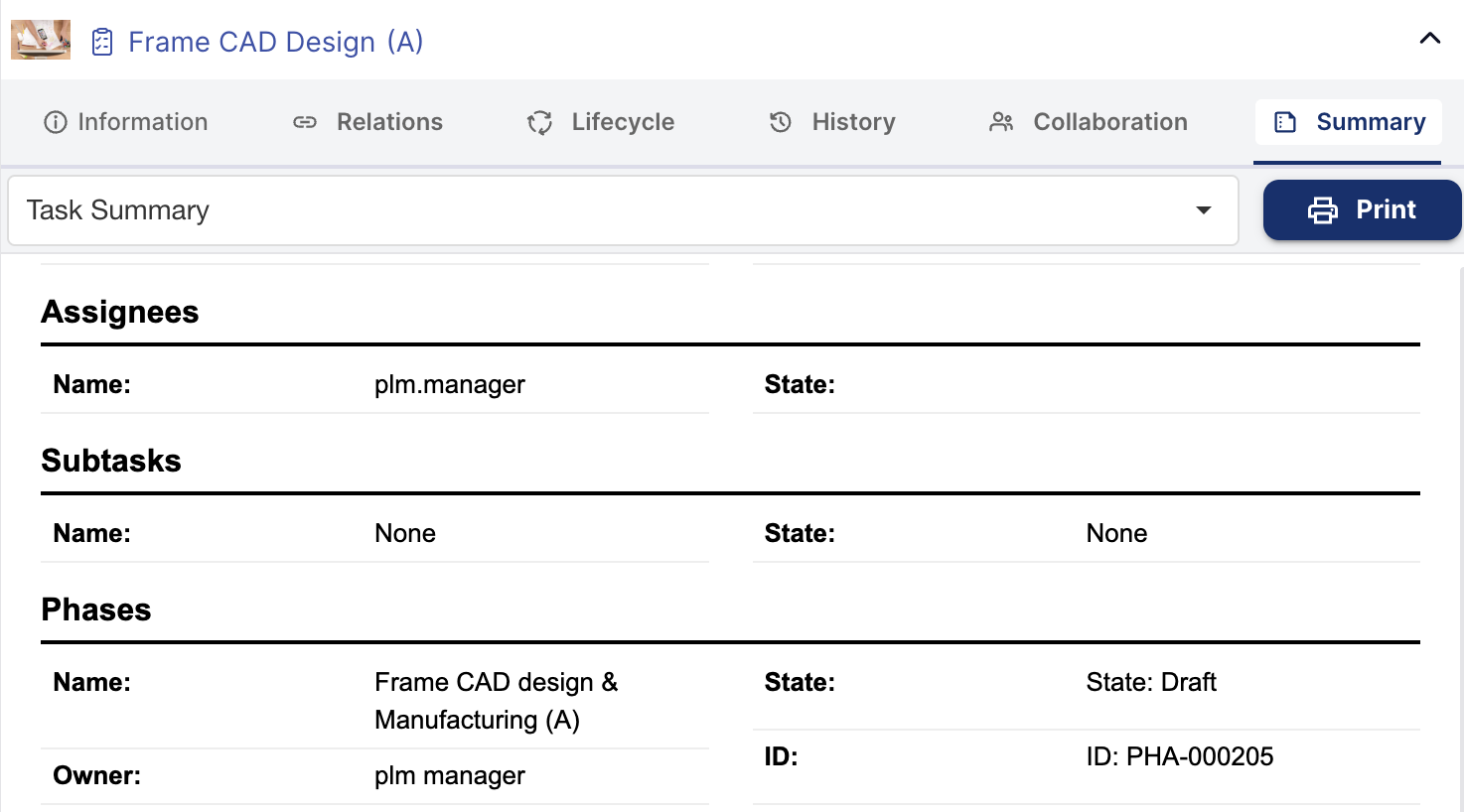
Workflow Timeline and Progress
Estimated and actual execution data appears side by side including start and completion dates, duration and overall completion percentage.
This helps reviewers evaluate whether the workflow is on track, delayed or needs support.
Timeline data gives program and quality teams a reliable basis for tracking workflow readiness.
Workflow Tasks and Step Progress
All workflow tasks appear with name, revision, state, type, owner and completion percentage.
This provides direct insight into execution status.
Teams can immediately understand which tasks are progressing, which are stalled and where attention is needed.
The task list serves as a real time progress tracker for workflow execution.
Workflow Content and Required Information
All workflow content objects appear clearly in the report with state, type, owner and revision.
These objects represent information or artifacts the workflow depends on.
Reviewers can verify that required content is present, approved or updated before moving forward.
Attachments and Supporting Files
Attachments associated with the workflow appear with name, state, owner, revision and type.
to ensure every required item or document is accounted for during workflow review and approval.
Teams never need to search for supporting information. Everything is consolidated here.
Workflow Nodes and Structural Overview
Workflow nodes provide a structural view of the workflow, showing each node with name, type, state and revision.
This section helps reviewers confirm that the workflow configuration and node states align with the expected process.
It also supports troubleshooting when a workflow encounters unexpected behavior.
Workflow Template and Leadership Visibility
If the workflow originates from a template, the template name, type and workflow template ID are displayed.
This allows teams to confirm which standard operating procedure or workflow model the current execution is based on.
The workflow leader is shown clearly so responsibility for approvals, guidance and progress tracking is always visible.
Linked Change Objects
Workflows often support change management.
The report displays all change objects linked to the workflow including state, type, owner, revision and name.
This creates traceability between the workflow and the changes it drives or supports.
Relations, Files and Operational Indicators
Relation counts, file counts, reservation flags, and data integrity fields appear in a dedicated section.
These indicators support system governance, audit readiness and quality compliance.
Everything needed for release boards, audits and cross functional reviews is available.
How to Use the Workflow Summary Report
Access a consolidated view of workflow execution and readiness in seconds.
01
02
03
04
For Teams That Want Clear Workflow Transparency
- Reviewers see the full structure before approving.
- Managers understand progress without navigating tasks one by one.
- Quality teams verify required content and attachments instantly.
Cross functional teams gain a shared understanding of workflow readiness.
Workflow execution becomes transparent and predictable.
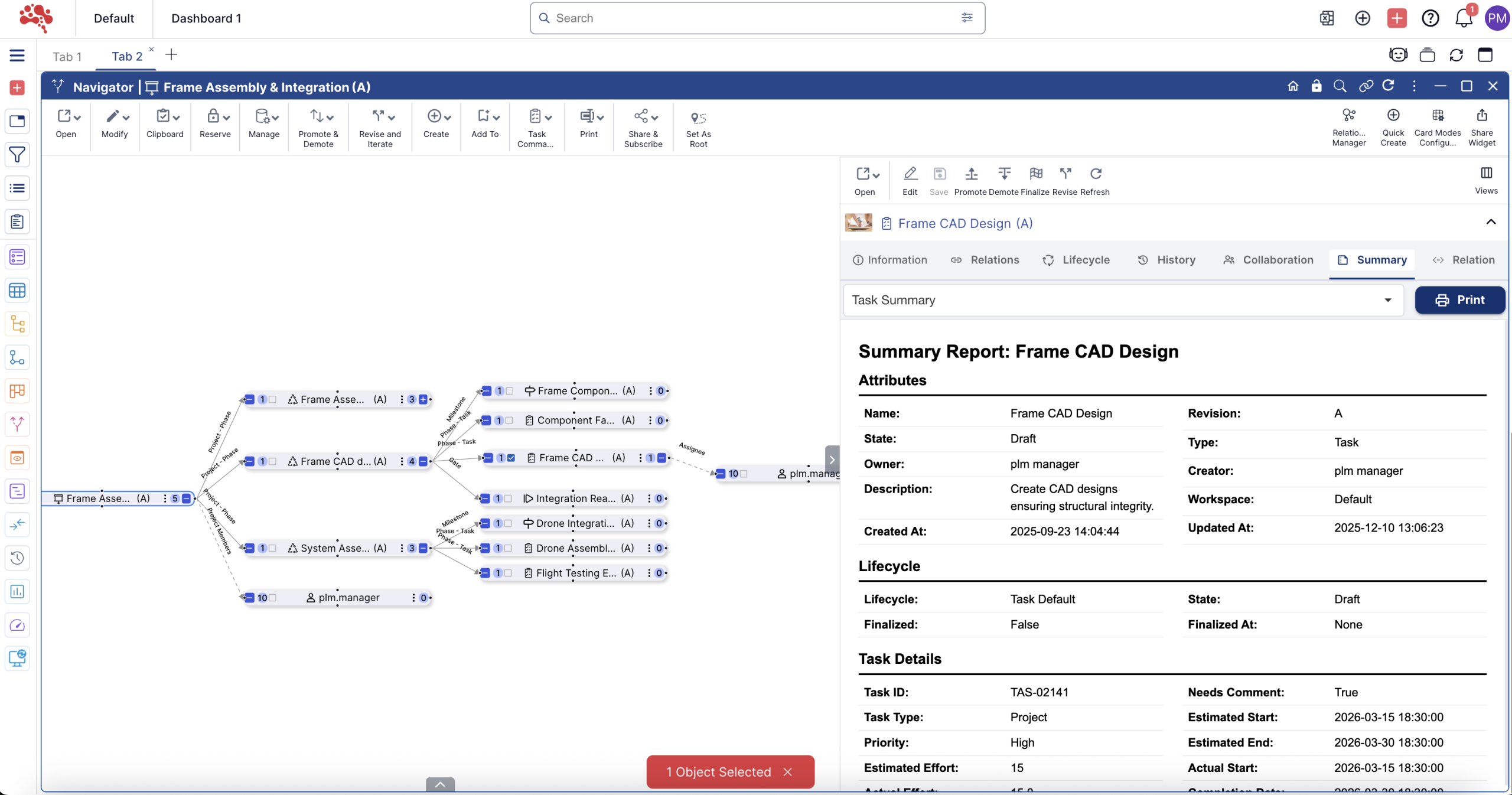

Complete Workflow Insight That Enables Smooth Execution
The Workflow Summary Report consolidates everything that defines a workflow including its metadata, lifecycle, active step, tasks, content, attachments, nodes, linked changes and operational indicators.
Teams act faster.
Execution becomes clearer.
Approval becomes more confident.
Bottlenecks are easier to identify and resolve.
It replaces scattered information with structured control.
It turns workflow progression into a consistent, traceable process.
It makes workflow accountability visible to everyone.
Workflow Summary at a Glance
Full Workflow Snapshot
Core workflow identity, state and leader in one place.
Progress and Active Step Insight
Current step, task status and completion percentage at a glance.
Content, Attachments and Nodes
All required information, files and workflow nodes clearly listed.
Linked Changes and Traceability
Connected change objects and relationships fully visible.